


 Stephane Clavel
PhantomDeejay wrote :
The only "draw back" is that the track(s) must have been analyzed* with VirtualDJ 2026 for it to work.
You can just right-click on the folder, and select "scan for pre-vdj2026 tracks"
Mensajes Mon 08 Dec 25 @ 6:18 pm
 the SOUND INSURGENT
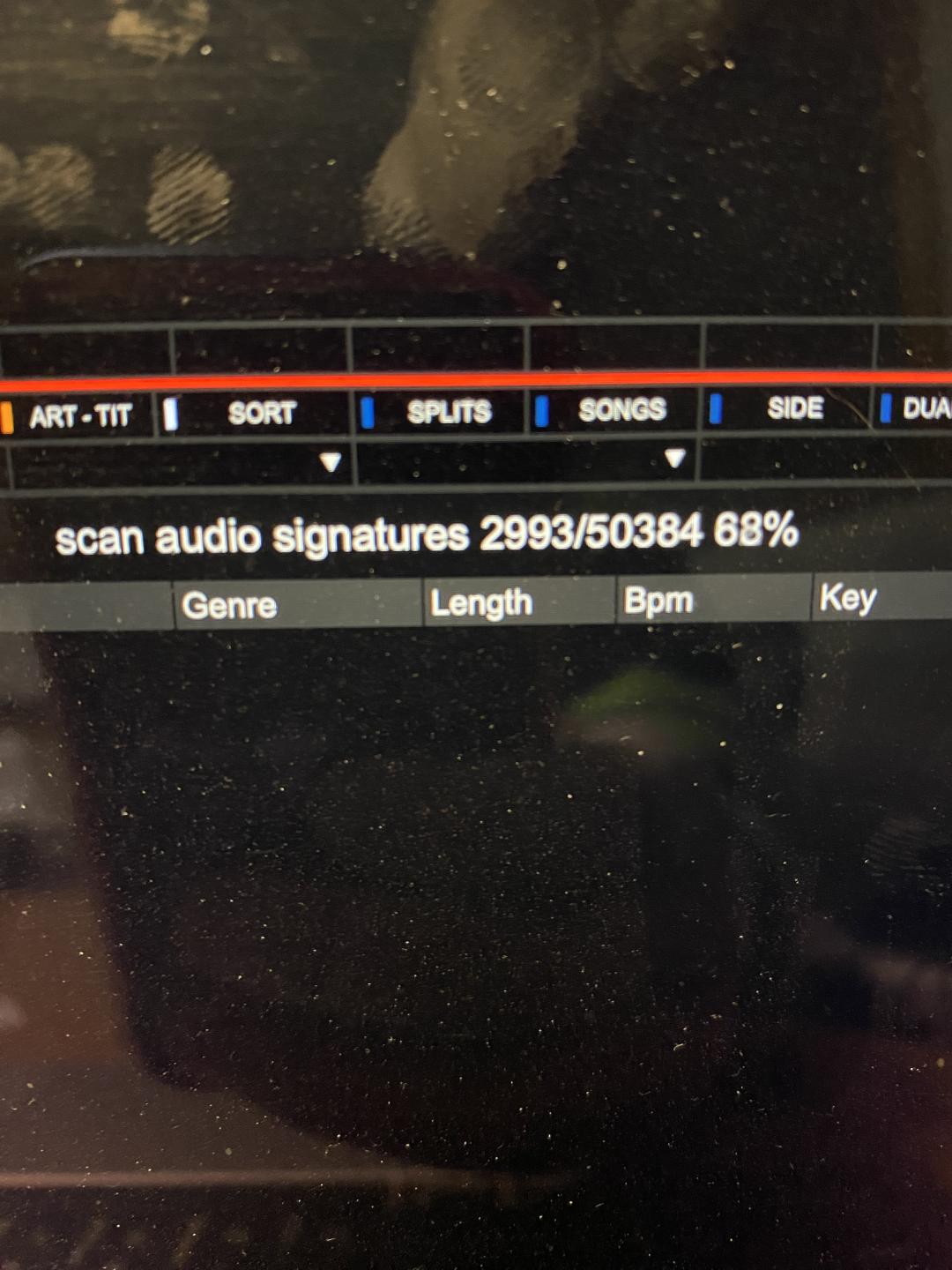
Let’s goooooooo! 😝
Mensajes Mon 08 Dec 25 @ 6:42 pm
 groovindj
LOL I gave up after around 400 (and I've got 940Mb upload speed).
Mensajes Mon 08 Dec 25 @ 7:03 pm
 PhantomDeejay
Audio signature scan does not involve any uploading
Mensajes Mon 08 Dec 25 @ 7:28 pm
 gvaste
wow, we got ai lyrics before an update to the stem separation engine. just what all dj wants. read lyrics while mixing.
btw, thanks for the effects.
btw, thanks for the effects.
Mensajes Mon 08 Dec 25 @ 7:53 pm
groovindj
PhantomDeejay wrote :
Audio signature scan does not involve any uploading
Some of the AI stuff does though, right?
It would be good to know which of the new things requires an internet connection, what gets uploaded, where things get stored etc.
After all this scanning, are these signatures useful in any other way, or just duplicates?
Mensajes Mon 08 Dec 25 @ 7:55 pm
 DJ VinylTouch
Small comment on the Lyrics:
I see that the lyrics are cached/editable from the Lyrics editor, and there is a lyricsCensoredWords setting that sanitizes identified string values from the lyrics in realtime on the waveform.
I see that the lyrics are cached/editable from the Lyrics editor, and there is a lyricsCensoredWords setting that sanitizes identified string values from the lyrics in realtime on the waveform.
- It seems like lyricsCensoresWords isn't applying for me at all (not sure if I've misused it, but I just added a word (all common letters) to the setting, and it wasn't blurred out in the playback (track reload, lyrics re-analyze didn't make a difference). Is there something I'm missing to make it work?
- Is there a plan to use the cached lyrics and lyricsCensoredWords to do realtime censoring on tracks during playback (that would be a huge time saver)?
Mensajes Mon 08 Dec 25 @ 8:09 pm
PhantomDeejay
Internet is required to extract lyrics (on a track that didn't had lyrics extracted before) and in order to use the AI prompt.
Audio signatures are also used by lyrics extraction to speed up the process (If the signature matches a song that had it's lyrics extracted already, there's no need to extract them again)
Audio signatures are also used by lyrics extraction to speed up the process (If the signature matches a song that had it's lyrics extracted already, there's no need to extract them again)
Mensajes Mon 08 Dec 25 @ 8:12 pm
PhantomDeejay
DJ VinylTouch wrote :
Small comment on the Lyrics:
I see that the lyrics are cached/editable from the Lyrics editor, and there is a lyricsCensoredWords setting that sanitizes identified string values from the lyrics in realtime on the waveform.
I see that the lyrics are cached/editable from the Lyrics editor, and there is a lyricsCensoredWords setting that sanitizes identified string values from the lyrics in realtime on the waveform.
- It seems like lyricsCensoresWords isn't applying for me at all (not sure if I've misused it, but I just added a word (all common letters) to the setting, and it wasn't blurred out in the playback (track reload, lyrics re-analyze didn't make a difference). Is there something I'm missing to make it work?
Not on the waveform.
Lyrics are sanitized on the video output (The Lyrics plugin)
On your waveform you are still getting the original text
Mensajes Mon 08 Dec 25 @ 8:15 pm
groovindj
So what is a signature exactly? If I have the same track in an original version and a remastered version, would that be considered a duplicate? Would it depend how different the versions were from each other?
Regarding lyrics, if we have songs in versions by different artists, would it use the lyrics it found before, or search again?
Regarding lyrics, if we have songs in versions by different artists, would it use the lyrics it found before, or search again?
Mensajes Mon 08 Dec 25 @ 8:20 pm
PhantomDeejay
It would search again, because the signature is different.
How exactly the signature is calculated, I cannot tell you. But it uses stems in order to calculate what it has to calculate.
As for remastering: I believe in most cases since the differences are subtle they will be reported as duplicates. After all the same track with different bitrates is also shown as duplicate.
How exactly the signature is calculated, I cannot tell you. But it uses stems in order to calculate what it has to calculate.
As for remastering: I believe in most cases since the differences are subtle they will be reported as duplicates. After all the same track with different bitrates is also shown as duplicate.
Mensajes Mon 08 Dec 25 @ 8:24 pm
DJ VinylTouch
PhantomDeejay wrote :
It would search again, because the signature is different.
How exactly the signature is calculated, I cannot tell you. But it uses stems in order to calculate what it has to calculate.
How exactly the signature is calculated, I cannot tell you. But it uses stems in order to calculate what it has to calculate.
So sort of a custom hash function across the generated stems data for a certain bitrate and maybe other params.
About the lyricsCensoredWords, I confirmed the lyric display does censor it. Any plans to extend to the audio though (live playback, track cleaner head start)?
Mensajes Mon 08 Dec 25 @ 8:36 pm
PhantomDeejay
DJ VinylTouch wrote :
Any plans to extend to the audio though (live playback, track cleaner head start)?
Maybe yes, maybe not. LOL
Mensajes Mon 08 Dec 25 @ 9:20 pm
DJ VinylTouch
Noted lol...thank you guys again for all of the hard work 🍺
Mensajes Mon 08 Dec 25 @ 9:42 pm
the SOUND INSURGENT
Now alls we need is dual screen support. 1 screen I can send the lyrics out to and the other shows either the video Im playing or shaders/slideshow.
Mensajes Mon 08 Dec 25 @ 10:08 pm
 Svenino
"I see that the lyrics are cached/editable from the lyrics editor"
Does anybody know where I can find the lyrics editor?
Does anybody know where I can find the lyrics editor?
Mensajes Mon 08 Dec 25 @ 10:29 pm
PhantomDeejay
Right click on the track's cover when loaded on a deck, or directly on the track itself on the browser and select "Lyrics Editor"
Mensajes Mon 08 Dec 25 @ 10:31 pm
Svenino
Thanks, I´m so excited that I couldn´t find the easiest...
This feature is absolutely amazing and saves me soooo much time writing Karaoke Lyrics.
The accuracy is astonishing. Just some german lines sung with a french accent I need to edit a bit ;-)
And the french itself looks very funny.
But anyway: I´m totally flashed!!!
And with a little script on a key You can turn the lyrics in the waveforms on and off:
setting showLyrics
This feature is absolutely amazing and saves me soooo much time writing Karaoke Lyrics.
The accuracy is astonishing. Just some german lines sung with a french accent I need to edit a bit ;-)
And the french itself looks very funny.
But anyway: I´m totally flashed!!!
And with a little script on a key You can turn the lyrics in the waveforms on and off:
setting showLyrics
Mensajes Mon 08 Dec 25 @ 10:42 pm
Svenino
An example of the funny french...

Mensajes Mon 08 Dec 25 @ 10:44 pm
PhantomDeejay
C'est bien!
Mensajes Mon 08 Dec 25 @ 10:49 pm
