


 musicbycsharp
I was using VDJ last night at an event. During the sound check everything was connected and working, but after the dinner was done and dancing started, the VDJ was disconnected. Has anyone else experienced this? Any thoughts on what the issue could be and how to resolve it? I am attaching my settings as screen shots.
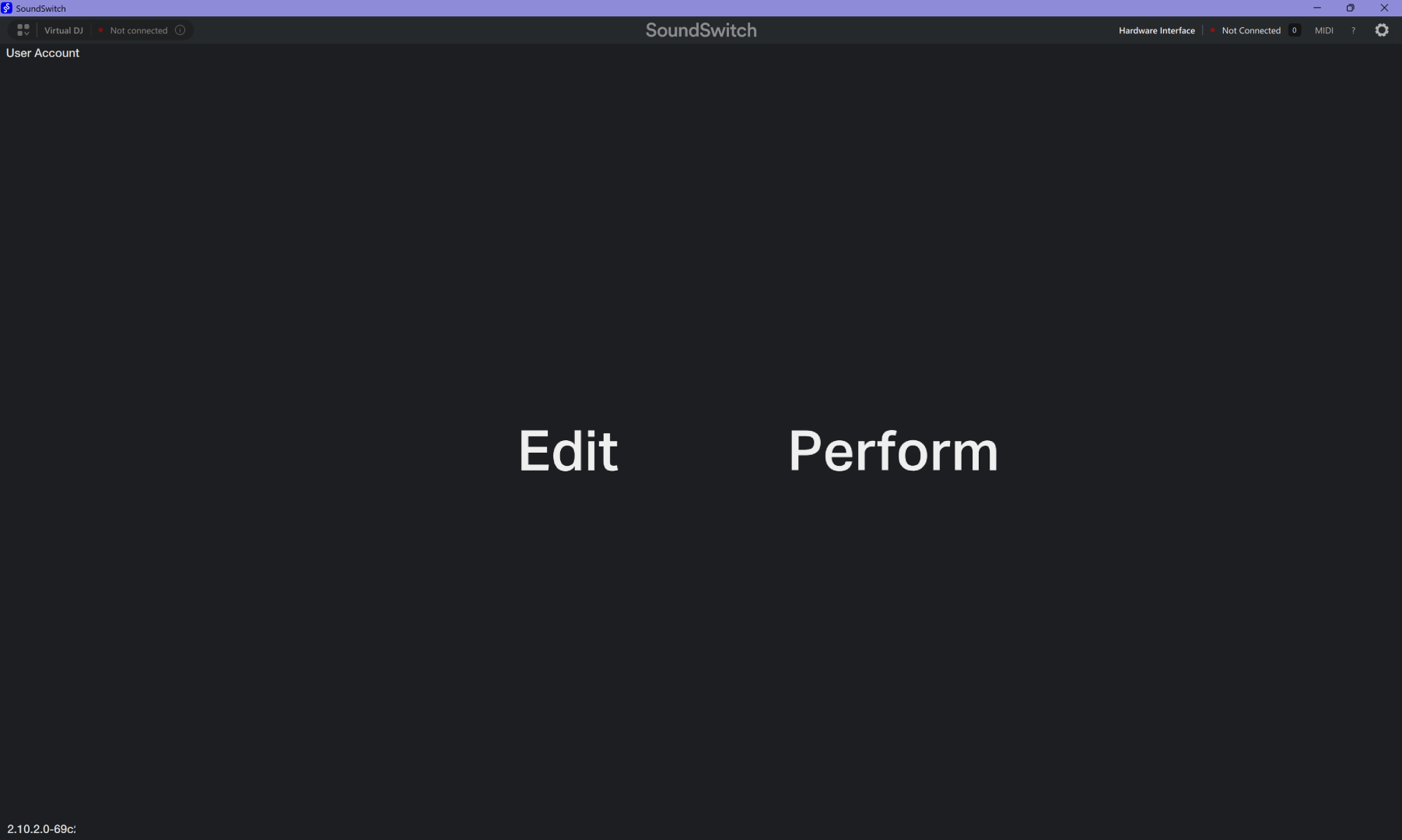
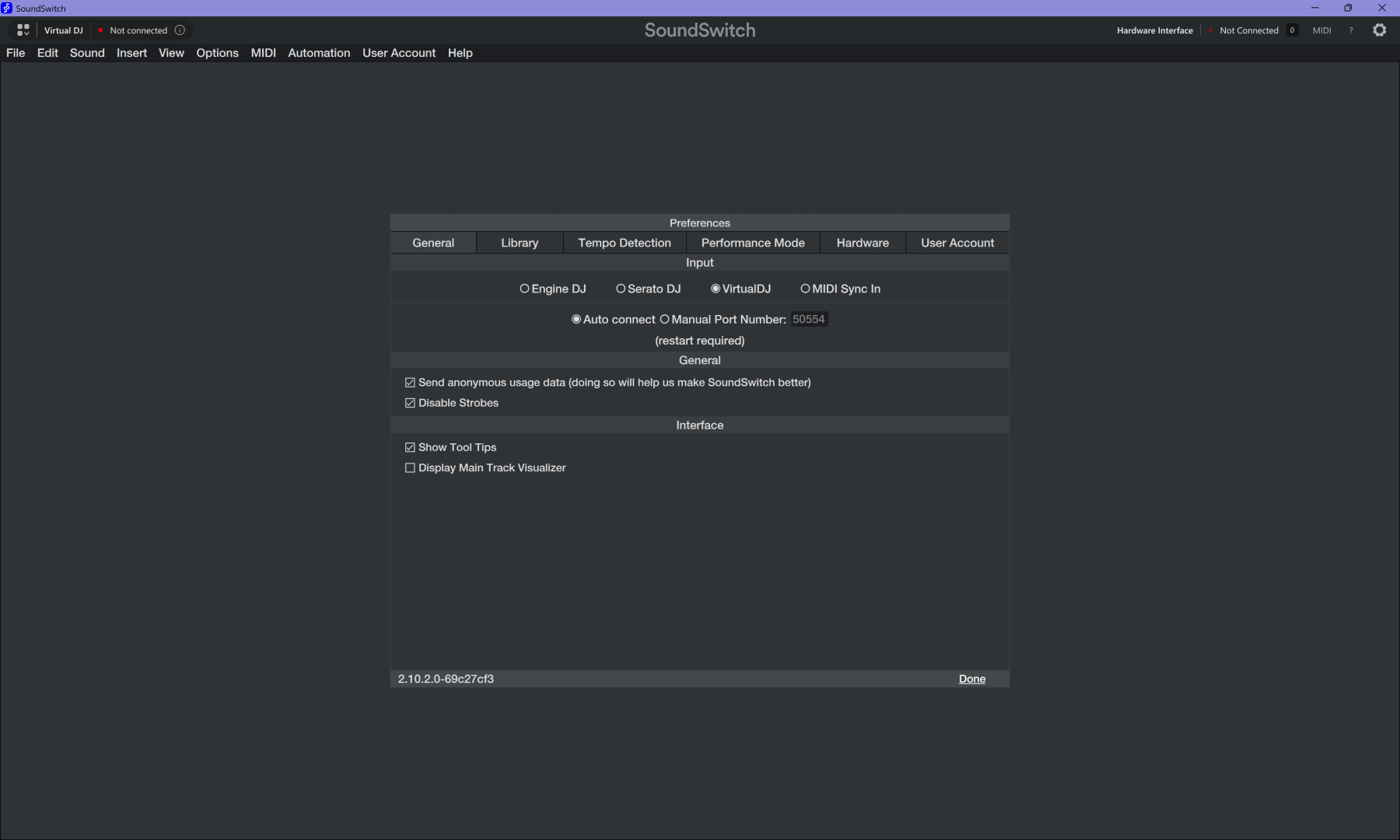
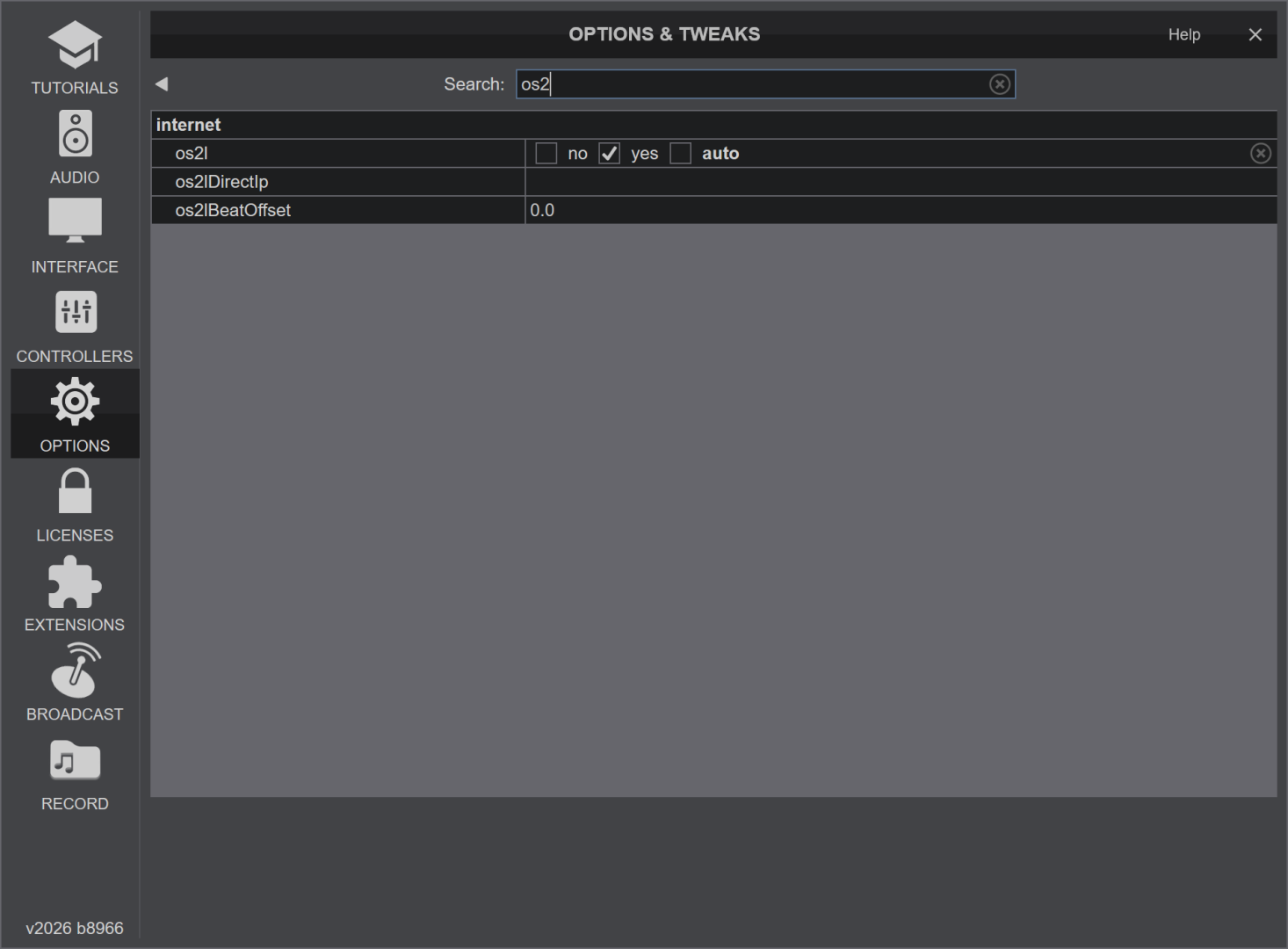
Mensajes Sat 20 Dec 25 @ 5:01 pm
 DJ VinylTouch
Might be a Windows only issue - just tested with Mac, latest EA version, SoundSwitch 2.10.2.0 on the same machine, works fine. I don't have time to test it immediately with my Windows machine but could try later.
Mensajes Sat 20 Dec 25 @ 7:03 pm
musicbycsharp
DJ VinylTouch wrote :
Might be a Windows only issue - just tested with Mac, latest EA version, SoundSwitch 2.10.2.0 on the same machine, works fine. I don't have time to test it immediately with my Windows machine but could try later.
Thanks for checking on the mac side! that's good to know. I sent a ticket to Soundswitch as well.
Mensajes Sat 20 Dec 25 @ 8:16 pm
 hunter
I'm here with ya - My primary DJ computer is a PC, but I carry around a Macbook for backup. - I'm able to get VDJ to talk to Soundswitch on my Mac, but after 2 hours of troubleshooting with a lot of input from chatGPT, I still can't get Soundswitch to acknowledge VDJ on Windows 11.
Mensajes Wed 15 Apr 26 @ 1:18 am
musicbycsharp
Hi Hunter,
I never really figured out the issue. But I can say that I bought a control-One after this post and that helped in a few ways:
1. The control-One let me know that everything was connecting because the device is connecting, and so that feedback helped to confirm the connection was good.
2. I noticed that even though I had 2/4 autoloop banks filled and only selected them to be used that SoundSwitch seemed to go to the empty banks. This makes it appear that the lights are not working. Having the feedback on the ControlOne helped me diagnose that.
So, I filled my banks with duplicates so that every bank was full. The last event I did, I did not notice the "drop out" issue and the lights going black. So I think this is the issue. I have not submitted a bug report yet.
I never really figured out the issue. But I can say that I bought a control-One after this post and that helped in a few ways:
1. The control-One let me know that everything was connecting because the device is connecting, and so that feedback helped to confirm the connection was good.
2. I noticed that even though I had 2/4 autoloop banks filled and only selected them to be used that SoundSwitch seemed to go to the empty banks. This makes it appear that the lights are not working. Having the feedback on the ControlOne helped me diagnose that.
So, I filled my banks with duplicates so that every bank was full. The last event I did, I did not notice the "drop out" issue and the lights going black. So I think this is the issue. I have not submitted a bug report yet.
Mensajes Wed 15 Apr 26 @ 8:52 pm
Roberto Maxino
Could be power management—Windows sometimes cuts USB during inactivity. Turn that off in Device Manager, or it might be a loose connection or vibration issue during the event—secure the cable and avoid hubs if possible.
Mensajes Wed 15 Apr 26 @ 10:47 pm