


 rene-bpm

Hello.
I have two questions.
Question 1:
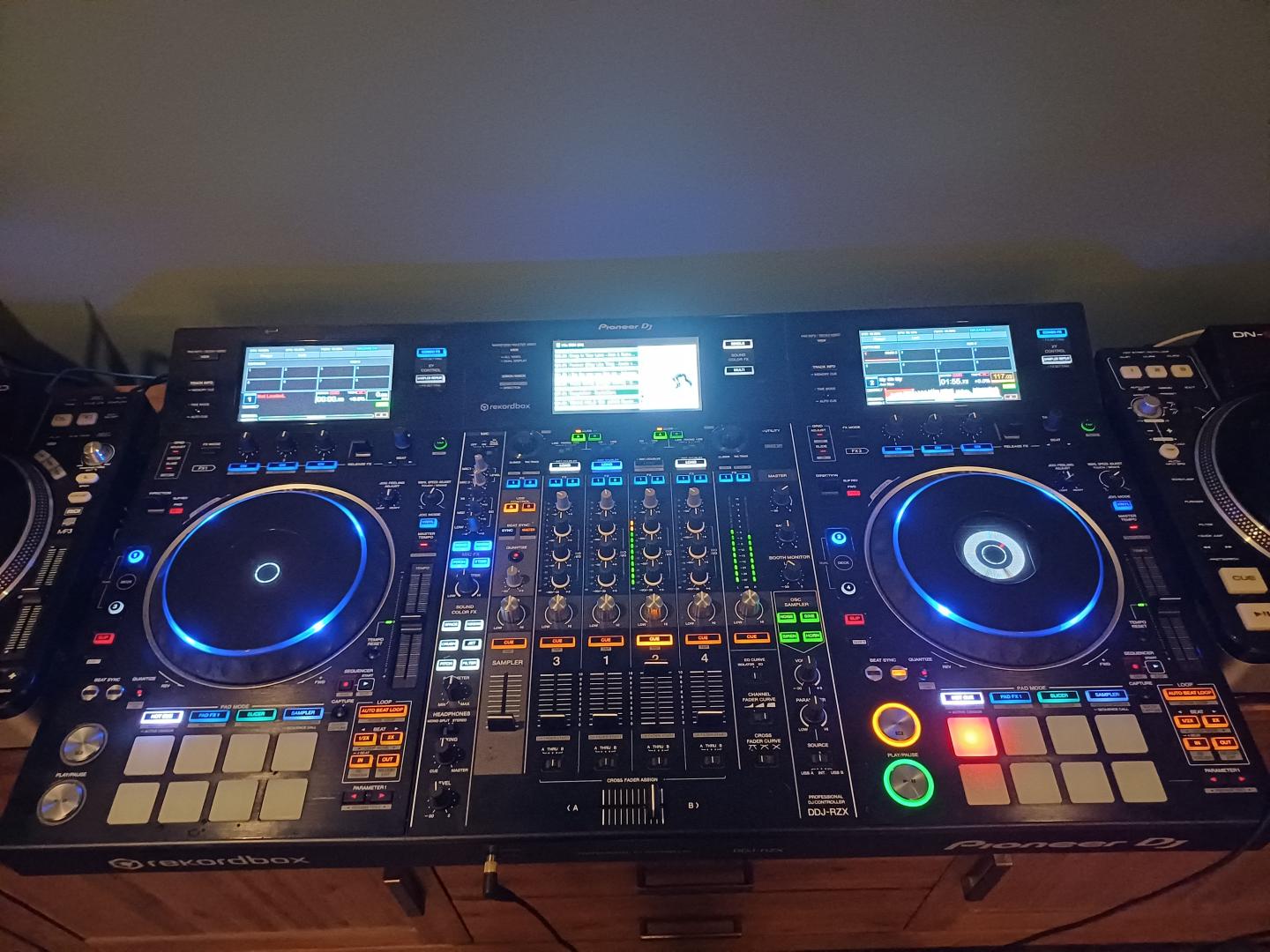
I have a Pioneer DDJ-RZX.
On the central LCD screen, you can see the waveform and the Browser.
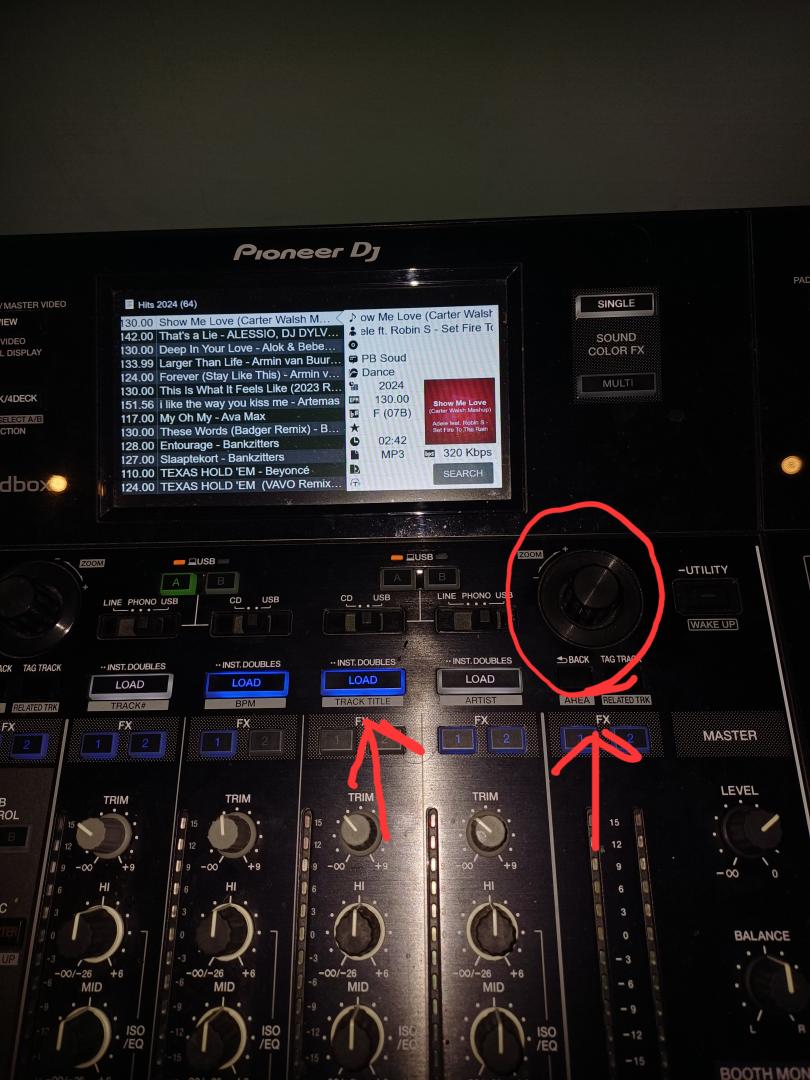
When I turn the rotary knob with Rekordbox, the Browser appears on the central screen.
When I select a track and press a Load button, the central screen changes back to the waveform.
This does not happen in Virtual DJ (version 9746).
Is this changeable, and if so, how?
Question 2:
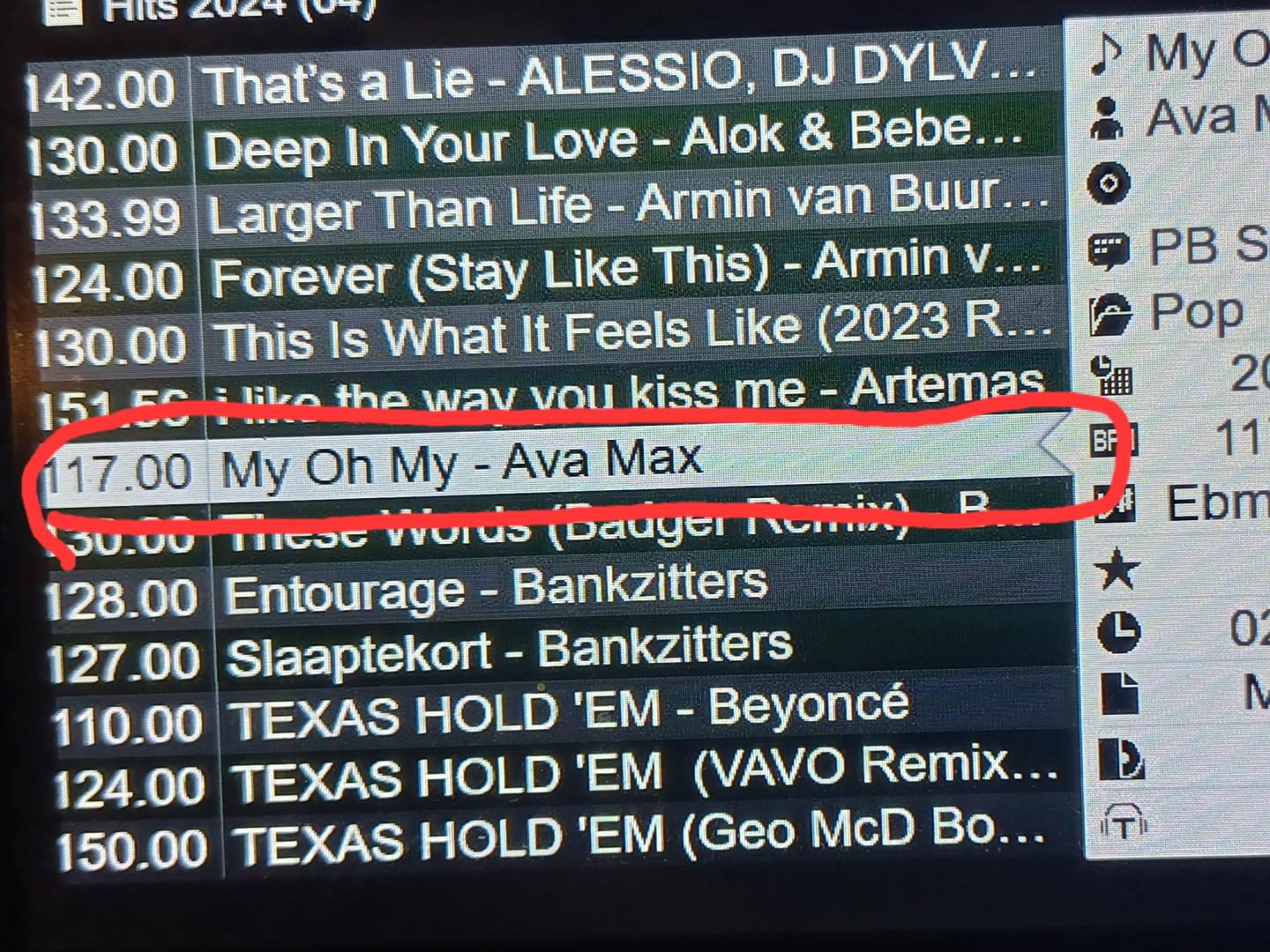
The Browser is visible on the central screen. However, just like in Rekordbox, the title of the track always appears first, followed by the artist's name.
I would like to see the artist's name first, followed by the title of the track.
Is this possible, and if so, how can I change this?
I think it might be in the MIDI settings, but I can't find it myself.
I would appreciate hearing from you about how you solved this.
Regards, René.
I have two questions.
Question 1:
I have a Pioneer DDJ-RZX.
On the central LCD screen, you can see the waveform and the Browser.
When I turn the rotary knob with Rekordbox, the Browser appears on the central screen.
When I select a track and press a Load button, the central screen changes back to the waveform.
This does not happen in Virtual DJ (version 9746).
Is this changeable, and if so, how?
Question 2:
The Browser is visible on the central screen. However, just like in Rekordbox, the title of the track always appears first, followed by the artist's name.
I would like to see the artist's name first, followed by the title of the track.
Is this possible, and if so, how can I change this?
I think it might be in the MIDI settings, but I can't find it myself.
I would appreciate hearing from you about how you solved this.
Regards, René.
Mensajes 3 hours ago
 locoDog

2 is in vdj settings>controller, I think
1 would need a skin tweak or maybe just a mapping change I'm looking over the skin now to see what's involved.
1 would need a skin tweak or maybe just a mapping change I'm looking over the skin now to see what's involved.
Mensajes 2 hours ago
 PhantomDeejay

https://virtualdj.com/manuals/hardware/pioneer/ddjrzx/layout/pads.html#ddjrzxsettings
In short:
1) Change the Auto Browser Setting (first pad)
2) Look at pads 2, 3 & 4
In short:
1) Change the Auto Browser Setting (first pad)
2) Look at pads 2, 3 & 4
Mensajes 2 hours ago